Track your small business equipment loans with Claude or ChatGPT (2026)
In a small business, loaned equipment is often tracked in a notebook or from memory: the drill, the spare laptop, the measuring device. Your AI can build you a tool that says who has what, since when, and sends a reminder when a return is late. Here is how.
By Aloïs Oddon, co-founder of Nextmap. Facts checked on November 18, 2026.
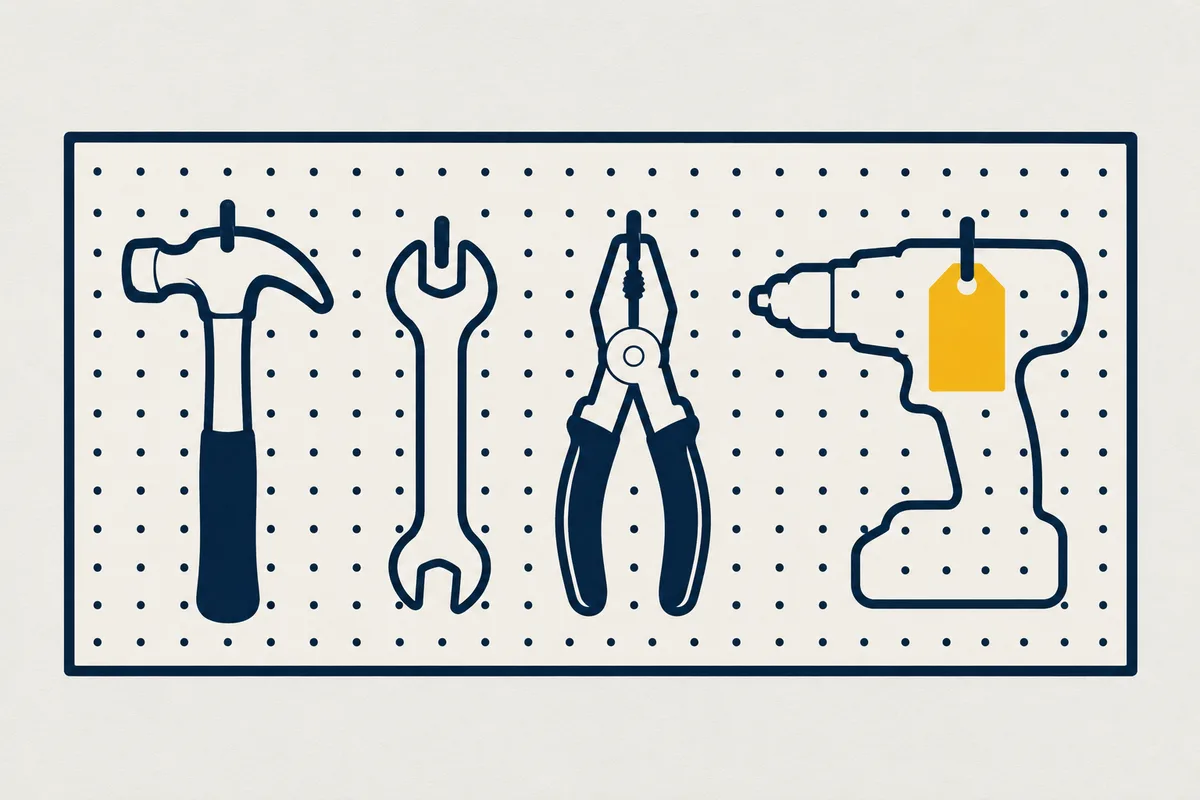
In a small business, equipment loans are often tracked in a notebook, or from memory. The job site drill, the spare laptop, the measuring device, the projector: you know they are somewhere. The day you need one, you have to call three people to find out who has it.
Your AI can now build you a tool that says who has what, since when, records the condition on return, and sends a reminder when an item is late.
The short version. Give Claude or ChatGPT the list of your equipment and what gets recorded on each loan, and ask it to put the tool on while. Everyone borrows and returns from their phone, the list shows where each item is, and a reminder goes out when a return is late.
What an equipment checkout tool needs to track
A loan fits in five pieces of information, which is what lets you record it in ten seconds, on the spot.
| What you track | What goes in |
|---|---|
| The item | The name, the reference, where it is stored |
| The checkout | Who borrows it, the checkout date, the job site or project |
| The return | The expected date, the actual date |
| The condition | Good, needs repair, lost, with a photo if needed |
| Availability | Available, on loan, under repair |
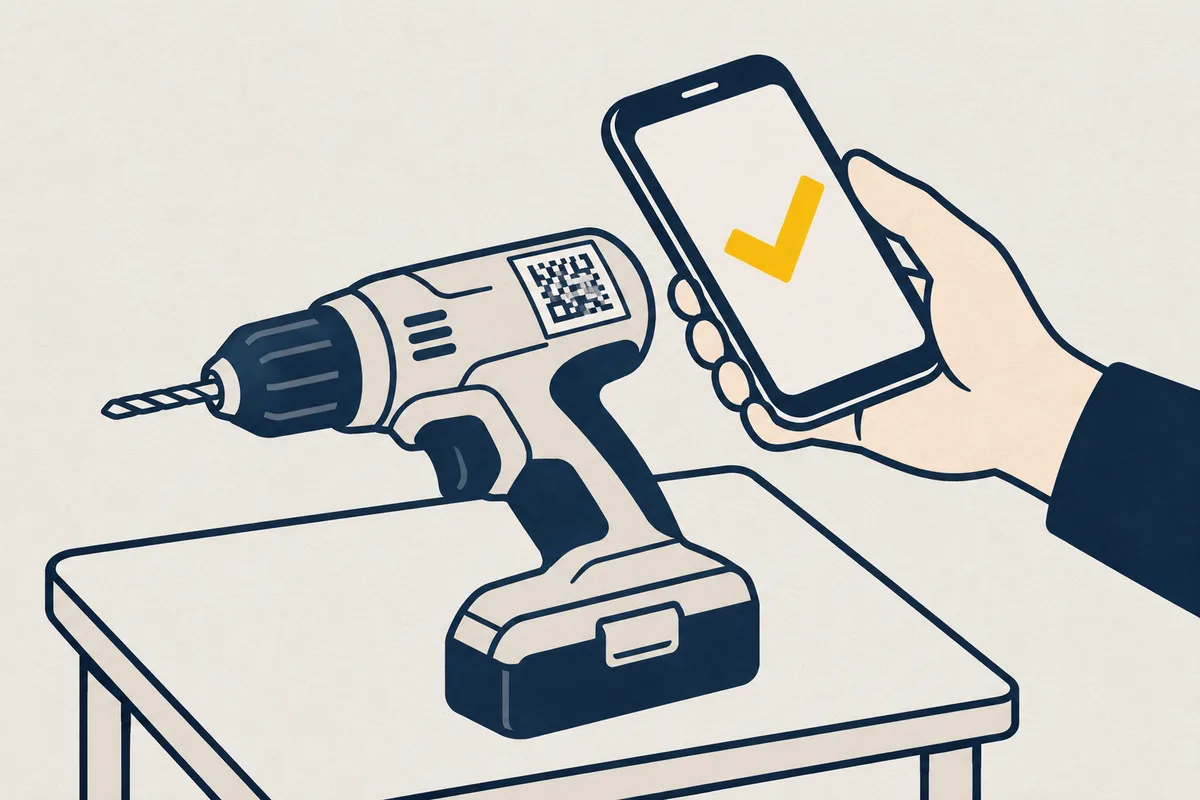
A label with a scan code on each item saves looking it up in a list: the phone opens its record directly.
Build the tool with your AI, in five steps
The tool takes one conversation, and you have no code to write.
- Give your equipment list. A spreadsheet is enough, with the name, the reference and where it is stored.
- Describe a loan. What gets recorded at checkout and on return, and the usual duration.
- Ask for the labels. A code to print for each item, which opens its record on the phone.
- Put the tool on while. Your AI puts it there, and it has its address in a few minutes. Without a while account, it does so as a trial, for free, and gives you a link to keep it.
- Add the reminders. An automation every morning writes to latecomers, and alerts the person who manages the equipment.
You, to your AI: Build us an equipment checkout tool from this spreadsheet: everyone borrows and returns from their phone by scanning the label, we record the condition on return with a photo, and a reminder goes out every morning for late returns. Put it on while, kept for the team.
What while brings to your equipment
Equipment passes from hand to hand, from job site to job site, from van to van. This is the kind of tool we built while for.
- Everyone borrows from their phone. With a while account for up to 3 people, or, on the Pro plan, with their email account, Google or Microsoft, with no per-person price. See keep a tool for your colleagues.
- The loan history stays. The data is backed up every day, with a way back over 14 days, once a person approves.
- Reminders go out on their own. The tool runs its automations at set times, and can alert in Slack.
Your tools are hosted in France by Nextmap.
When off-the-shelf asset management software is a better fit
A tool built with AI suits a small business that wants to know who has what. If you need scheduled maintenance, accounting depreciation, thousands of items or several depots, off-the-shelf asset management software will save you time.
For more small business tools built with AI, see the inventory tracker and field service jobs.
Try it on your equipment
Give this message to your AI, then give it your equipment list. The trial is free, with no sign-up, and your tool has its address in 3 minutes.
Read while.sh/agents and help me get started with while.