Internal access
An app reserved for the people in your organization, who sign in with their usual account. Your app receives their identity, with no sign-in page to code.
Updated November 21, 2026.
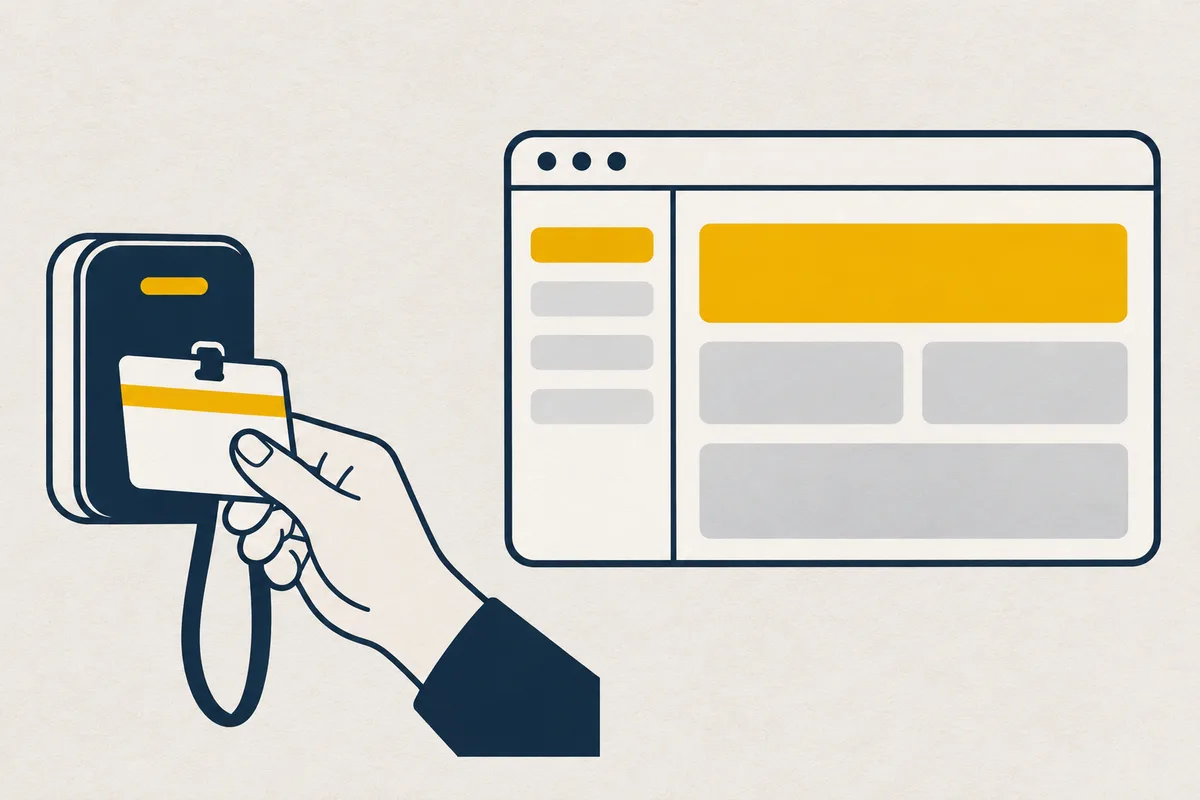
You, to your AI: Restrict the app to people in the company.
What your agent writes
Your agent writes it in while.yaml, at the root of your app:
apiVersion: while/v1
project: my-app
services:
  - name: web
    port: 3000
    access: internal
When to use it
For an app intended for the organization’s people: they come in with their account, and nothing is public on the Internet.
How it works
An access: internal service only answers after signing in, with a while account or through the organization’s enterprise connection. The app receives the person’s identity, without authentication to code.
Who gets in: the roles on the app or on the organization, which all include Access. A person with no account in the organization gets in with invite_member { email, role: "access", project }, with one confirmation. Through the enterprise connection, a group or an email domain gets in without an invitation, with grant_role { who, role: “access”, scope: { project } }. Everyone finds their apps on “Your apps”.
What to know
The enterprise connection goes through OpenID Connect (Keycloak, Google Workspace, Microsoft 365), on the Pro and Enterprise plans. A role on a tool applies to that tool only, and an email domain (“@example.com”) only receives the Access role. Google Workspace does not send groups. With Google, people enter a tool reserved for a few through “Request access”: a signed-in person clicks it on the tool’s page. An admin approves in one click, and access has no expiry. A newcomer does the same. Microsoft 365 and Keycloak can send groups (groups claim): grant_role on a group then lets newcomers in, with no further step.
The app receives X-While-Identity, an ES256 JWT signed by while. This token proves who the person is. To decide, the app verifies the signature (public key at WHILE_IDENTITY_JWKS_URL), the issuer (WHILE_IDENTITY_ISSUER) and the expiry. It also compares the while_projet, while_service and while_environnement fields with its WHILE_PROJECT, WHILE_SERVICE and WHILE_ENVIRONMENT. The key’s address is inside while’s network: the app reaches it even with Internet access closed. These token fields describe the person: sub (their identifier), email, name and groups. When groups_complete is false, groups holds only some of the person’s groups: the app then reads the full list from WHILE_IDENTITY_GROUPS_URL, with the token it received (Authorization: While-Identity <token>). X-While-Email, X-While-Name and X-While-Groups are for display only.
The AI of a person who has a terminal or a browser uses the tool as them, for one hour. open_internal_app (POST /v1/projects/:slug/app-access) gives it a credential to put in the Cookie header (__Host-while-agent), never in the address. read_only restricts it to reading, and the app knows it (while_agent in X-While-Identity). In a conversation, the person goes there themselves: open_internal_app gives them its address.
Going from public to internal is immediate. Making an internal app public needs approval for a developer; an admin does it themselves (their agent asks them to confirm); an organization rule can loosen it. A rollback does not change the access in force.
while sends two requests without X-While-Identity: its probe, on the health path, and the icon read (/favicon.ico, /apple-touch-icon.png), 20 seconds after each version in production. Neither counts as an opening or a visit. An icon served at these paths without sign-in shows on “Your apps”.
When a function sits in front of a connection, the tool forwards X-While-Identity in its calls to <NAME>_URL, so the function knows who is using the tool. The kept claims of the enterprise connection (claims) are never in this token: only the function receives them (Function in front of a connection).
Your agent’s MCP tools
Your agent handles it with the plan_deploy, get_app_status and list_tokens tools.