Web services
Your app, built from its sources and served over HTTPS. while detects Node.js, Python or Go, runs your tests and keeps every version.
Updated November 21, 2026.
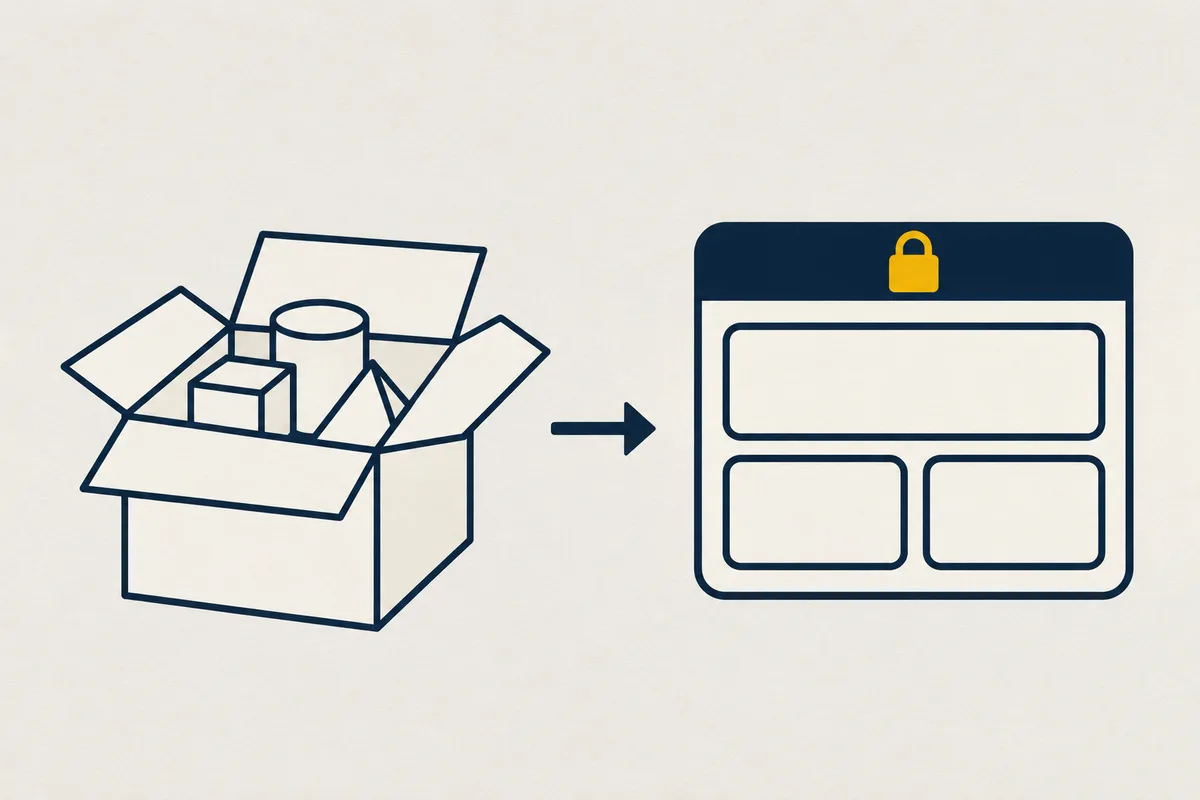
You, to your AI: Deploy my app with while.
What your agent writes
Your agent writes it in while.yaml, at the root of your app:
apiVersion: while/v1
project: my-app
services:
  - name: web
    title: Sales report
    port: 3000
    health: { path: /health }
    build:
      args: { VITE_TITLE: Sales }
      secrets: [NPM_TOKEN]
What your app receives
Your app receives these environment variables at every deployment:
| Variable | What it holds |
|---|---|
PORT | The port your app listens on, the one in while.yaml. |
HOST | The listening address, 0.0.0.0. |
WHILE_RELEASE | The identifier of the live version. |
When to use it
For anything that answers HTTP requests: a site, an API, an app for people.
How it works
while builds your app from its sources and serves it over HTTPS. It recognizes Node.js, Python or Go and writes the Dockerfile, or takes yours, then runs your tests and freezes the image of each version.
What to know
A project has up to 10 services. A non-public service (public: false) has no address on the Internet.
build.args passes non-secret values to the build (—build-arg), and refuses a name that looks like a secret (TOKEN, KEY, SECRET, PASSWORD). Build secrets, such as NPM_TOKEN for a private npm registry, are named in build.secrets. Their value is set separately, with set_env { build: true } (at least 8 characters), never in while.yaml. A secret already set for the app moves to the build, or back, with set_env { move: "NAME", build: true } or in the app settings, without its value going through you.
A build secret is mounted for the duration of a RUN in /run/secrets/<NAME>, never in the image, and masked in the log. A build never reads the app’s secrets, and the app never receives the build’s. Each environment has its own, and a preview coming from a fork receives none. Every build of the environment reads them, even before a production deployment is approved: give a read-only token.
For a private npm registry, a .npmrc at the root of the service reads the variable (//npm.acme.fr/:_authToken=${NPM_TOKEN}, or ${NPM_TOKEN:-} in .yarnrc.yml), and the generated Dockerfile only gives it to the install step. With your own Dockerfile, write RUN --mount=type=secret,id=NPM_TOKEN NPM_TOKEN=$(cat /run/secrets/NPM_TOKEN) npm ci, and never copy /run/secrets/<NAME> into the image. After the build, while looks for the secrets’ values in the app’s folders (/app, /srv, /opt, /home, /usr/local…): if it finds one, the build fails with the generated Dockerfile, and continues with a warning in the log with yours.
A Node app started directly by node (scripts.start: node server.js) has neither npm, npx nor yarn in its image. Run a dependency’s binary with ./node_modules/.bin/<name>, for example command: [./node_modules/.bin/prisma, migrate, deploy]; a while.yaml command that calls npm, npx or yarn keeps them. Likewise, a Python app has neither pip, setuptools nor wheel in its image, unless a while.yaml command calls pip.
Pricing
These prices are the same on every plan, excluding VAT:
| Resource | Price | Details |
|---|---|---|
| CPU and memory | €17 per vCPU per month, €8.50 per GiB per month | tools by usage, caches by reservation |
Your agent’s MCP tools
Your agent handles it with the deploy_app, get_app_status and set_env tools.